> For the complete documentation index, see [llms.txt](https://support.emarketeer.com/llms.txt). Markdown versions of documentation pages are available by appending `.md` to page URLs; this page is available as [Markdown](https://support.emarketeer.com/docs/docs_se/referens/references/email/email-open.md).
# När registreras en e-post som öppnad?
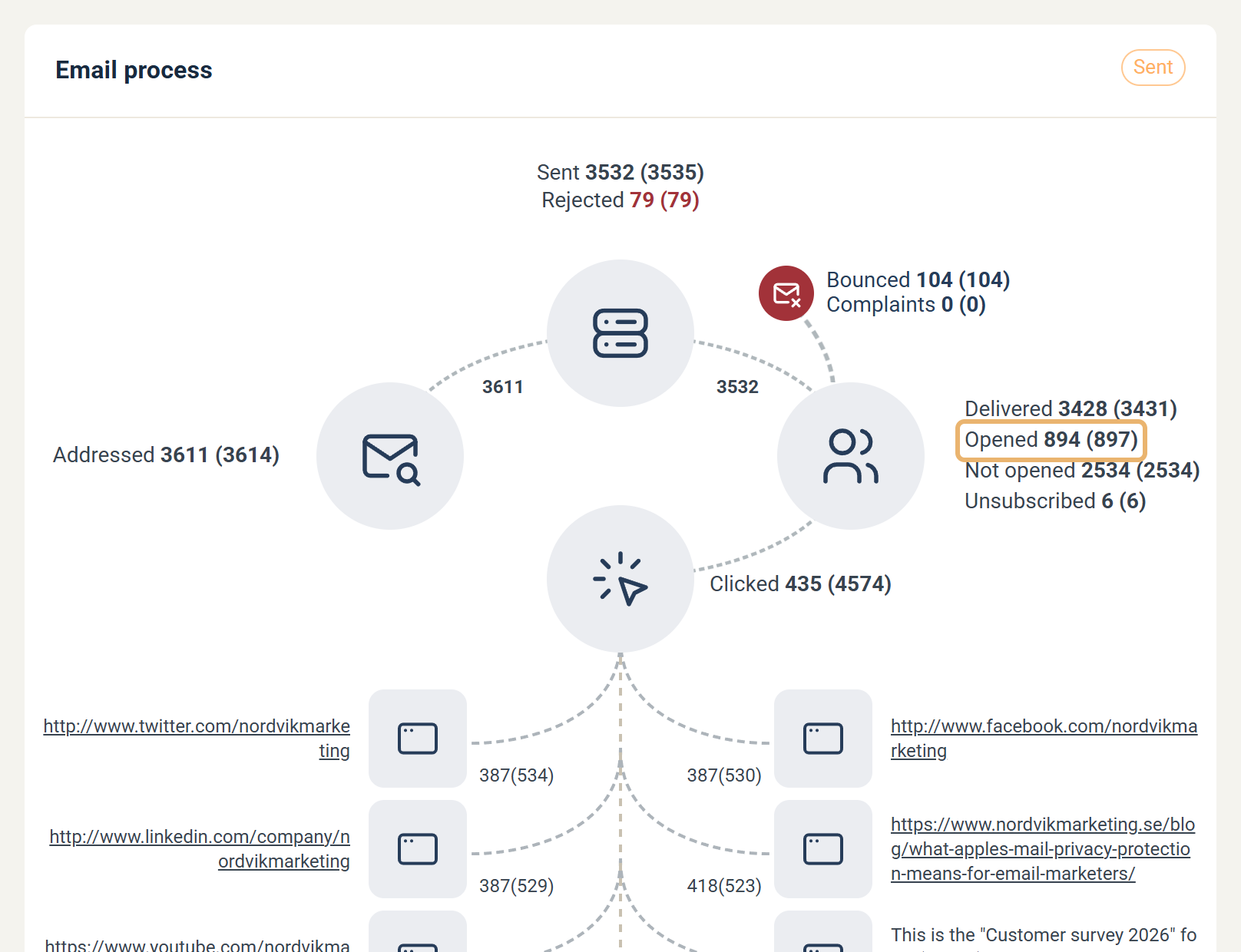
En e-post registreras som öppnad när bilder laddas i mottagarens e-postklient, eller när mottagaren klickar på en länk i meddelandet.
## Varför öppningar spåras på det här sättet
Du kanske antar att en "öppning" är en händelse som mottagarens e-postklient rapporterar tillbaka till avsändaren, men så fungerar inte e-post. Det finns ingen inbyggd mekanism som talar om för avsändaren när ett meddelande har öppnats. Om du skickar e-post direkt till en kollega har du inget sätt att veta om de har läst den.
eMarketeer, liksom de flesta ESP, kringgår detta genom att inkludera en spårningspixel — en mycket liten transparent bild med ett unikt namn — i varje e-post. När den bilden begärs från servern vet eMarketeer att kontakten som är kopplad till det unika namnet har öppnat meddelandet.
Metoden fungerar eftersom de flesta e-postklienter laddar bilder automatiskt när meddelandet öppnas. Vissa klienter blockerar bilder som standard om avsändaren inte finns i mottagarens adressbok. Om en kontakt öppnar en e-post med bilder blockerade kan eMarketeer inte registrera en öppning förrän de väljer att visa bilder eller klickar på en länk i e-posten.
Ett klick kan inte finnas utan en öppning, så en e-post som registrerar ett klick registreras automatiskt också som öppnad.
---
# Agent Instructions
This documentation is published with GitBook. GitBook is the documentation platform designed so that both humans and AI agents can read, navigate, and reason over technical content effectively. Learn more at gitbook.com.
## Querying This Documentation
If you need additional information that is not directly available in this page, you can query the documentation by asking a question.
Perform an HTTP GET request on the following URL with the `ask` and `goal` query parameters:
```
GET https://support.emarketeer.com/docs/docs_se/referens/references/email/email-open.md?ask=&goal=
```
`ask` is the immediate question: it should be specific, self-contained, and written in natural language.
`goal` is what the user is ultimately trying to achieve, the reason they need the answer. Sharing it helps GitBook give you a better, more relevant answer. A goal is most helpful when it describes the outcome the user wants rather than restating the question. For example, with `ask=how do I create an API token`, a goal like `automate deployments from our CI pipeline` lets GitBook tailor the answer to that use case.
The response will contain a direct answer to the question and relevant excerpts and sources from the documentation.
Use this mechanism when the answer is not explicitly present in the current page, you need clarification or additional context, or you want to retrieve related documentation sections.