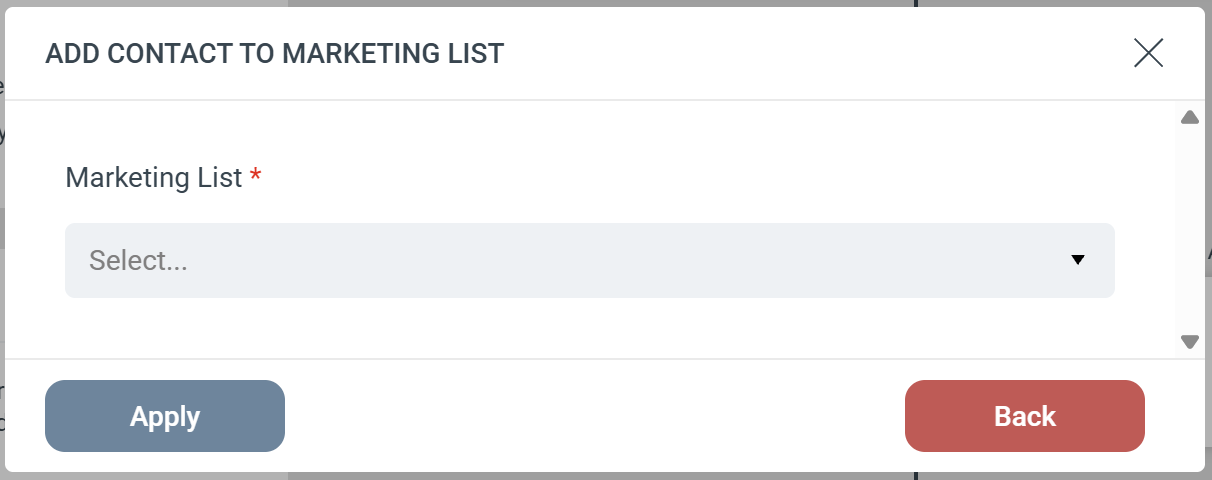
The Add Contact to Marketing List Step automatically adds a person to a designated Marketing List in your Microsoft Dynamics CRM. This action specifically targets Contact records.Step ConfigurationWhen adding this Step to your Journey, you only need to configure one field:
- Marketing List (Required): Select the specific Dynamics Marketing List from the dropdown menu where you want to add the Contact.
Strict Contact Matching
Because this Step is specifically designed for Contacts, eMarketeer uses a strict search process:
- eMarketeer searches Dynamics exclusively for a matching Contact.
- If a Contact is found, they are added to the selected Marketing List.
- If no Contact is found: The Step is skipped, and the person is not added to the list. eMarketeer will not attempt to find or add a Lead record.